Discover which digital ordering solution is right for your hospitality business. From QR codes and kiosks to tablets and online shops, this guide helps you choose the tech that fits your venue and your guests.
QR ordering suits table service, kiosks suit counters, table tablets suit round-based ordering and a webshop suits takeaway and delivery; Jamezz runs all four on one platform.
Four ways to let guests order themselves
Guests can order at the table with a QR code, at a self-ordering kiosk, on a tablet at the table or in advance through your own webshop. Each channel fits a different kind of venue and moment. This article sets out the differences, the pros and the cons. Looking for the short comparison by type of venue? See the restaurant ordering system guide.
What digital ordering solutions are available?
There are four channels: QR ordering at the table, the self-ordering kiosk, the tablet at the table and the webshop for takeaway and delivery. They run on one platform, and every POS integration works with all four.
QR ordering: guests order on their own phone
Guests scan a QR code, browse the menu on their own smartphone and place their order, without downloading an app. They can pay straight away through the connected payment provider and, if you use it, collect loyalty points. The order goes straight to the kitchen or bar.
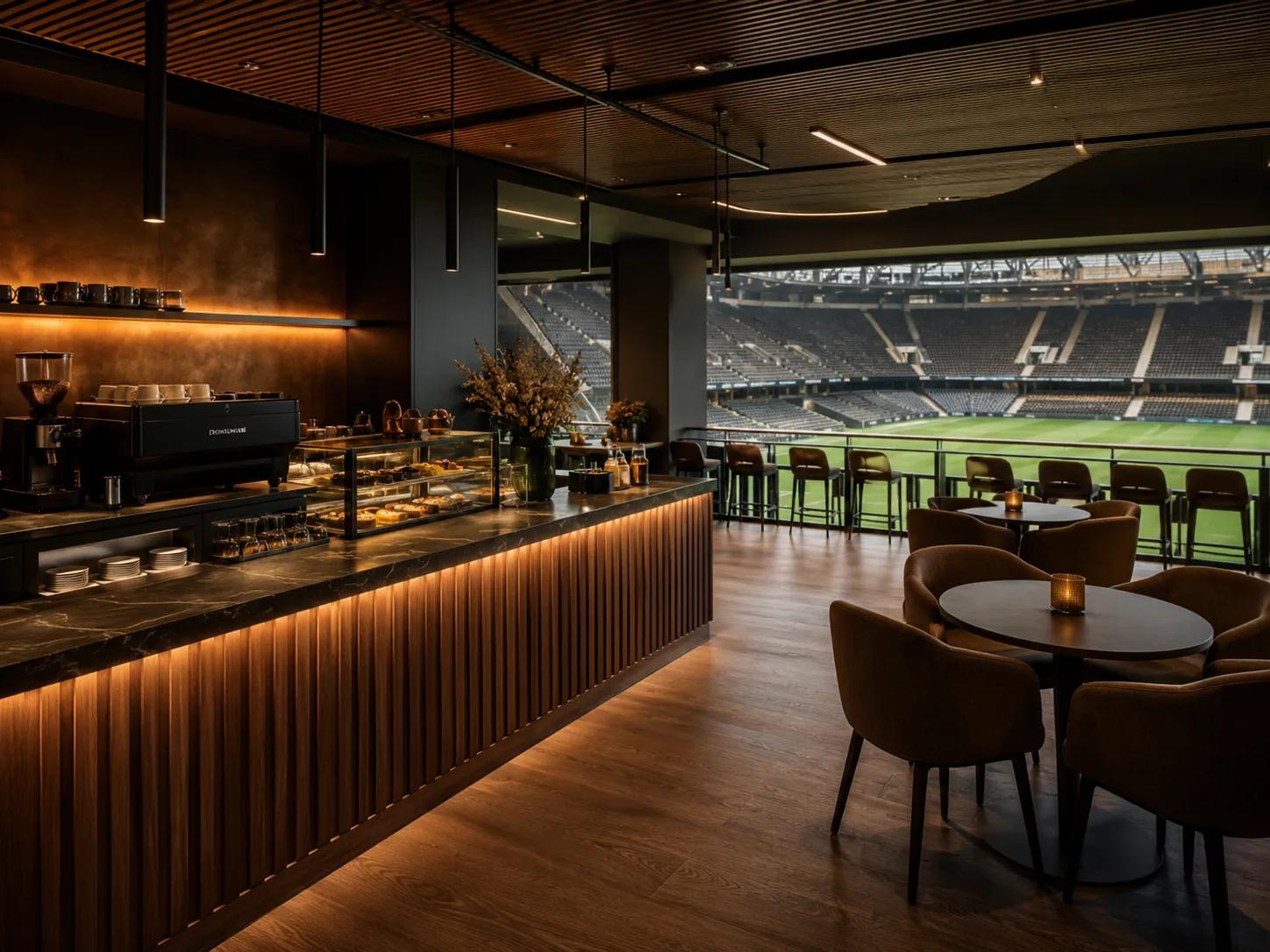
QR ordering works well in casual dining, on terraces and wherever guests reorder often. It is less suited to fine dining, where personal service and the team's knowledge of the menu are the point. During ordering, guests can see suggestions based on their basket, the time of day, the location and the weather.
Self-ordering kiosk: ordering and paying at the counter
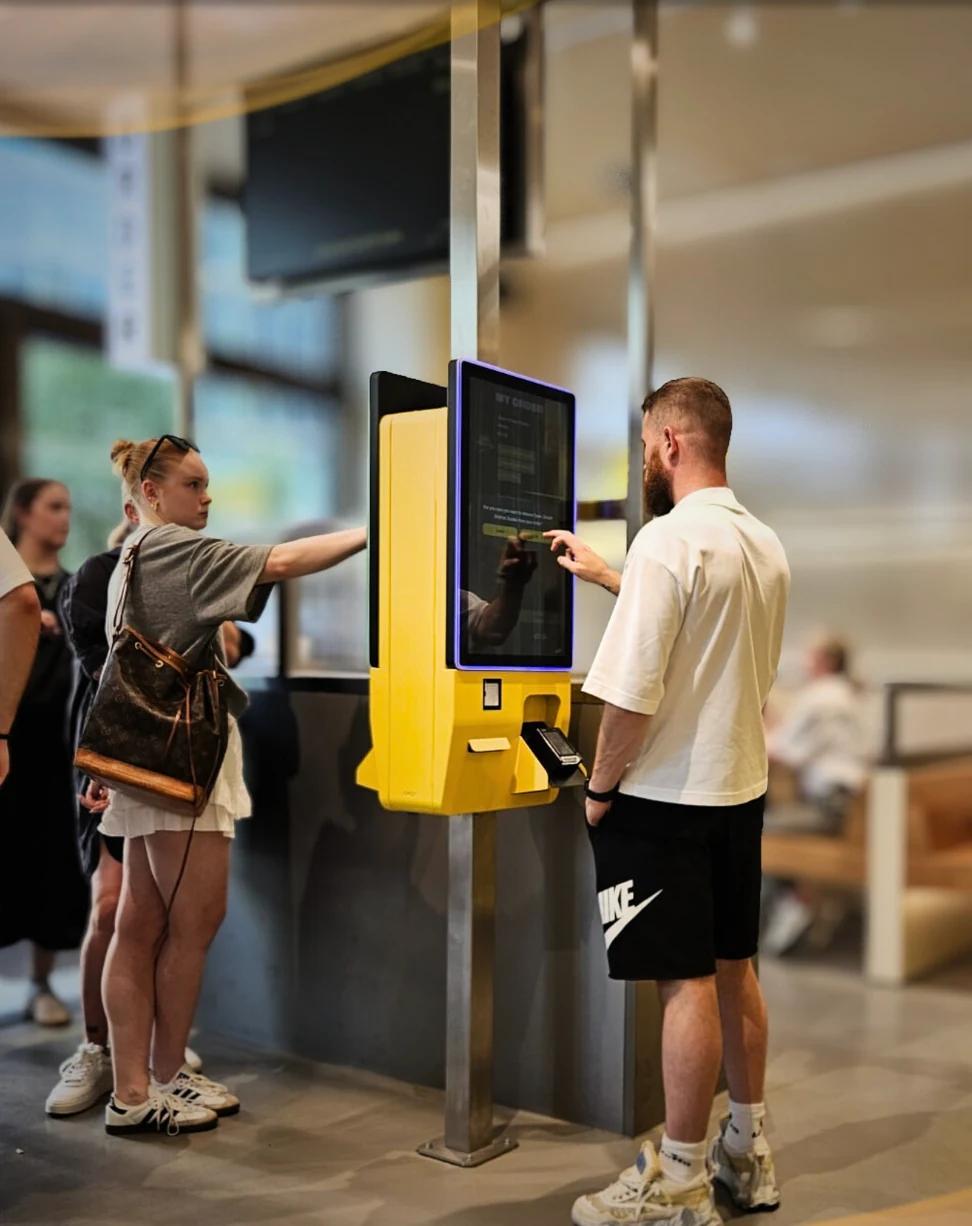
Self-ordering kiosks are popular in quick-service restaurants, takeaways, honesty bars, airports and amusement parks.
You set the upsell suggestions yourself, per location, channel, time of day or category. Letting guests order and pay themselves can help you keep the overview at busy times. You can start with a single kiosk; the hardware is supplied by Jamezz itself or through a partner.
Guests who prefer to order at the counter can still do so.
Tablet at the table: for ordering in rounds
With a tablet at the table, guests browse the menu at their own pace and order throughout their visit.
This works especially well in all-you-can-eat concepts, where guests order in rounds and you set the rounds, the timing and the arrangements, for example for children or groups. The tablet subscription is per location, regardless of the number of tablets. Guests usually pay at the till; linking the tablet to a card terminal is also possible. Outside all-you-can-eat, starters, mains and desserts can be sent to the kitchen one after the other.
Webshop for pickup and delivery
More and more venues add their own online ordering webshop for takeaway and delivery. That offers opportunities, but it also asks for a solid process in the kitchen and at the handover to keep the quality of the orders up.
In the webshop, guests choose a pickup time or time slot, and you decide whether you offer pickup, delivery or both. Jamezz charges 0% commission per order. With your own webshop you depend less on large ordering platforms, and you can tailor the ordering environment to a large extent to your own brand.
What are the benefits and challenges of digital ordering?
Benefits:
• The guest checks the order – Guests enter their own order and see it before sending it, so staff can focus on service.
• Upselling – Suggestions during ordering can contribute to a higher average order value, depending on your type of venue and menu.
• Guests take the order themselves – That gives your team room during staff shortages.
• Works with your POS – Through the integration, the menu is retrieved from your POS system and orders go to the POS.
• Alongside your handhelds – Digital ordering can run next to handheld devices and POS terminals.
Challenges:
• Costs – There is a subscription, a one-time setup fee per solution and, for a kiosk or tablets, hardware. Read how the price is built up and compare it with your own figures.
• Guest experience – Some guests miss the personal touch, which makes digital ordering less suitable for high-end hospitality.
• Technology – Digital ordering needs a stable internet connection, and the system must be easy to use. Choose a provider with good reviews and reliable support.
How to choose the right solution?
The choice depends on your type of venue, your guests and your business model. Ask yourself these questions:
• How much do I value personal contact compared with efficiency?
• Do I have enough staff, or do I need to reduce the workload?
• Do I want to raise my average order value?
• Can my kitchen handle extra orders from a webshop, kiosk or tablets?
• Will I get my team on board?
Want to compare the options by type of venue? See our restaurant ordering system guide.
Comparison at a glance
QR ordering: guests order at the table on their own phone. Kiosk: guests order at a counter or entrance. Table tablet: guests order rounds at the table, priced per location regardless of the number of tablets. Webshop: takeaway and delivery without commission per order.
In short
The right ordering channel follows from how your venue runs: QR at the table, a kiosk at the counter, a tablet for rounds, a webshop for takeaway and delivery, or a combination.
Want to see which setup works for your concept? Request a demo.
Frequently asked questions
What is the difference between QR ordering and a self-ordering kiosk?
With QR ordering, guests order at their table on their own phone; with a kiosk, they order and pay on a touchscreen at the counter or entrance. QR suits table service and terraces, a kiosk suits counters with many quick orders.
Can I combine several ordering channels?
Yes. QR ordering, kiosk, tablet and webshop run on one platform, and every POS integration works with all channels.
Do I need a new POS system for digital ordering?
Usually not. Jamezz connects with 13 POS systems and with Deliverect, and can also run on its own with kitchen screens and receipt printers.
What does digital ordering cost?
A fixed monthly subscription and a one-time setup fee per solution, with 0% commission per order. Hardware for a kiosk or tablets can be rented, leased or bought through the hardware partner.
Share this article