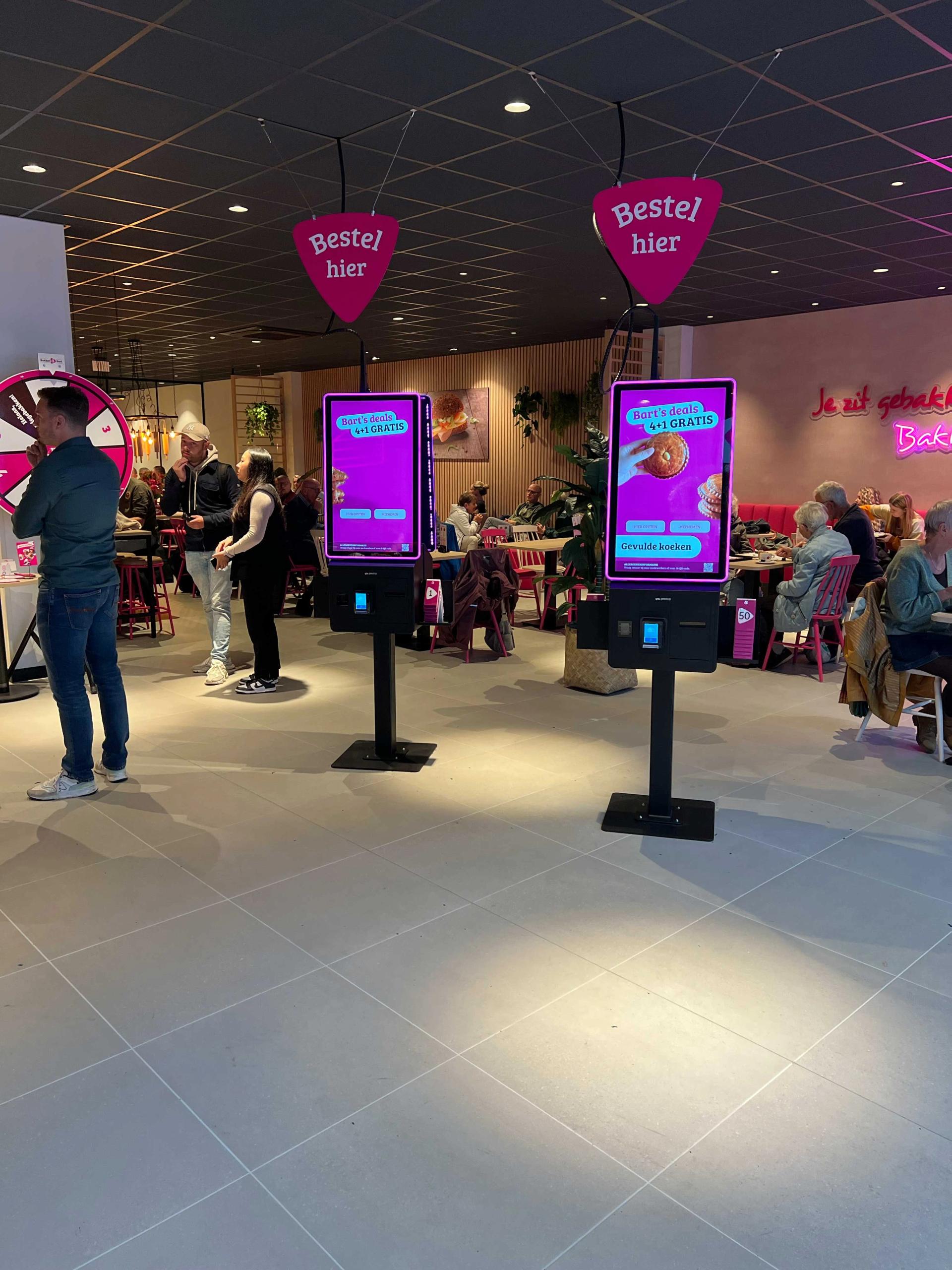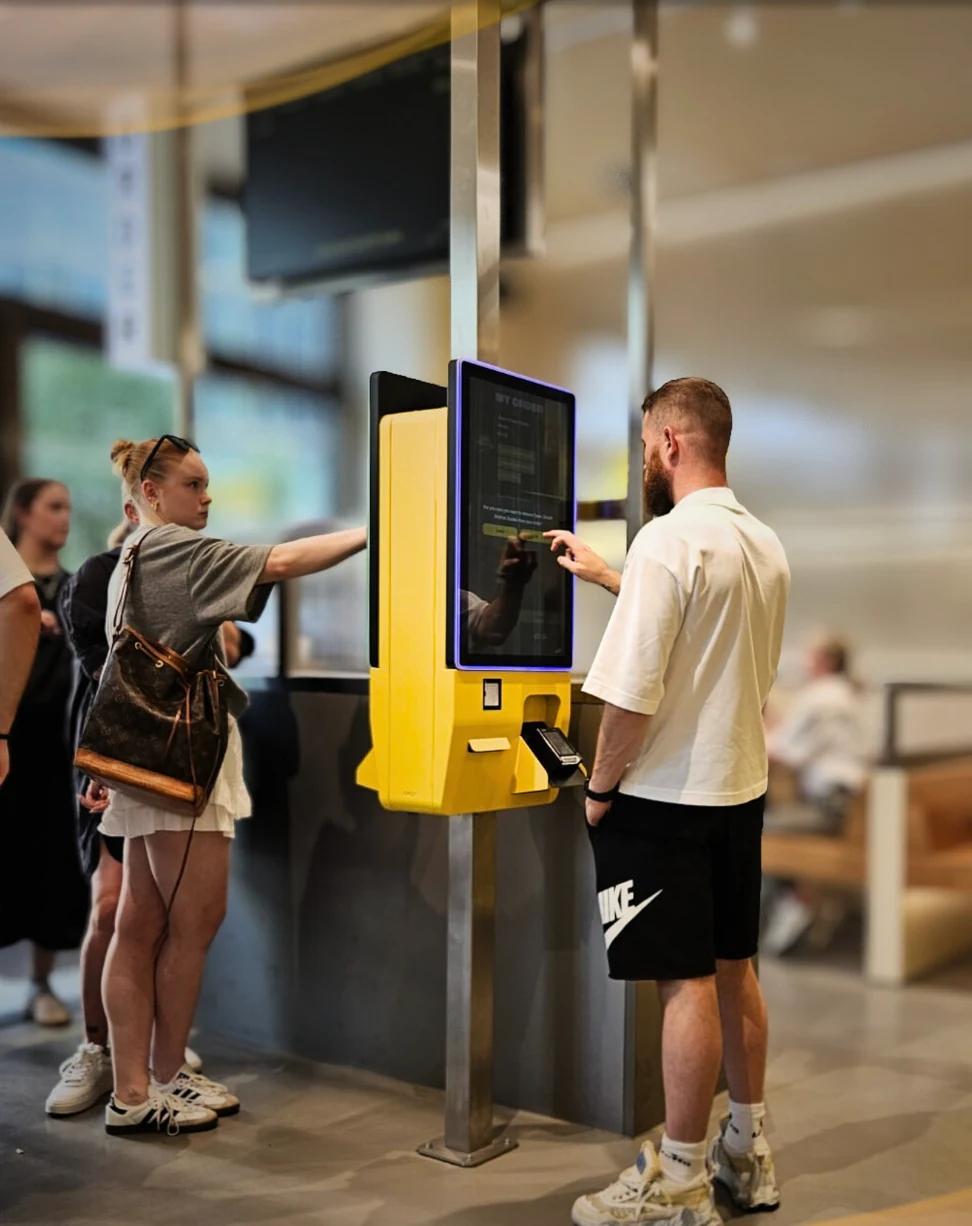
Everything you need to know before investing in self-ordering kiosk software for your restaurant, hotel, or hospitality venue. Features, pricing, POS integration, and implementation checklist.
What Is Self-Ordering Kiosk Software and Why Does It Matter?
Self-ordering kiosk software is a digital application that runs on touchscreen terminals, allowing guests to browse menus, place orders, and pay independently — without needing staff assistance. It is the technology layer that turns a standard screen into an intelligent ordering station.
The hospitality industry has shifted dramatically since 2020. According to the National Restaurant Association, 76% of restaurant operators say technology gives them a competitive edge, and self-service ordering is leading that transformation. For quick-service restaurants, stadiums, hotels, and high-traffic venues, kiosk software has become essential infrastructure rather than a luxury.
However, choosing the right kiosk software is not straightforward. The market offers dozens of solutions with vastly different capabilities, pricing models, and integration options. This guide helps you evaluate what matters most for your specific situation.
The 7 Essential Features Every Kiosk Software Must Have
Before evaluating any solution, establish your baseline requirements. Not every kiosk software is created equal, and missing even one critical feature can cause operational headaches after deployment.
1. POS System Integration
This is the single most important factor. Your kiosk software must integrate directly with your existing Point of Sale system so that orders flow automatically to the kitchen and are recorded for reporting. Without POS integration, staff must manually re-enter kiosk orders — defeating the entire purpose. Check whether the software supports your specific POS brand (Lightspeed, Oracle MICROS, unTill, Vectron, etc.) and whether the integration is real-time or batch-based.
2. Smart Upselling Engine
According to research published by Forbes, kiosk upselling can increase average order value by 15–30%. Look for software that automatically suggests add-ons, upgrades, and complementary items based on what the guest has already selected. The best systems use configurable rules rather than static suggestions.
3. Multilingual Support
If your venue serves international guests, multilingual menus are essential. The software should support at least the languages spoken by your customer base. Some platforms offer 25+ languages with automatic detection based on the guest's phone or browser settings.
4. Allergen and Dietary Filtering
EU regulation No 1169/2011 requires food businesses to provide allergen information. Strong kiosk software lets guests filter the menu by allergens (gluten, nuts, dairy, etc.) and dietary preferences (vegan, halal, kosher), reducing liability and improving the guest experience.
5. Custom Branding
The kiosk interface should match your venue's brand identity — logo, colors, fonts, and imagery. Generic-looking kiosks feel disconnected from your restaurant's atmosphere. Additionally, look for software that lets you customize the ordering flow itself, not just the visual skin.
6. Kitchen Display Integration
Beyond POS integration, the best kiosk software sends orders directly to kitchen display systems (KDS), including preparation notes, item modifications, and priority flags. This reduces kitchen confusion during rush hours.
7. Real-Time Analytics
Data drives better decisions. Look for built-in dashboards showing order volume, peak hours, popular items, upsell conversion rates, and average order value. These insights help you optimize your menu and pricing continuously.
POS Integration: The Make-or-Break Factor
POS integration is the foundation of any successful kiosk deployment. Without it, you are running two separate systems that create more work rather than less.
When evaluating kiosk software, ask these specific questions:
• Does it integrate with your POS system? Not just "we integrate with POS systems" — ask for your specific brand and model.
• Is the integration certified or custom-built? Certified integrations are maintained and updated by the POS vendor; custom integrations may break after POS updates.
• Does the integration support real-time order push? Orders should appear on your POS and KDS within seconds, not minutes.
• Are menu changes synced automatically? If you update prices or disable an item in your POS, does the kiosk reflect that immediately?
• Is the integration included in the subscription or an additional cost?
According to Hospitality Technology, POS integration failures are the #1 reason hospitality businesses abandon self-ordering projects. Invest time in validating this before signing any contract.
Pricing Models: What to Expect
Kiosk software pricing varies significantly. Understanding the pricing model before committing prevents unexpected costs down the line.
Flat Monthly Subscription
Most modern kiosk software providers charge a fixed monthly fee per location or per device. This model offers predictable costs and typically includes software updates, support, and POS integrations. The monthly fee depends on features, the number of devices and the scale of the project.
Per-Transaction Commission
Some providers charge a percentage (typically 1–5%) on every order placed through the kiosk. Therefore, high-volume venues can end up paying significantly more than with a flat subscription. Calculate your expected monthly order volume and compare the total cost against flat-fee alternatives.
Hardware + Software Bundles
Some vendors bundle kiosk hardware with their software. While convenient, this can lock you into specific hardware that may not match your venue's design requirements. Separating hardware from software gives you more flexibility to choose terminals from suppliers like Prestop, Qiox, or Acrelec.
Hidden Costs to Watch For
• Setup and onboarding fees
• Per-integration fees for POS connections
• Premium support tiers
• Menu upload or configuration charges
• Minimum contract duration with early termination penalties
Hardware Considerations: What Do You Need?
The kiosk software runs on physical hardware, and choosing the right terminal affects both the guest experience and your operational costs.
Screen Size
Most hospitality kiosks use 15.6" to 32" touchscreens. Smaller screens work for countertop placements; larger screens suit freestanding floor units. Consider your venue's layout and traffic flow when deciding.
Payment Terminal
Integrated payment is essential. The kiosk should accept contactless (NFC), chip-and-PIN, mobile wallets (Apple Pay, Google Pay), and ideally also iDEAL or other local payment methods. Ensure the payment terminal is PCI-compliant and works with your payment processor (Mollie, Adyen, or similar).
Mounting Options
Floor-standing, wall-mounted, or countertop? Each has different space requirements and guest interaction patterns. Floor-standing kiosks are most visible but need 0.5–1m² of floor space. Wall-mounted units save space but require structural support.
Durability
Hospitality environments are demanding. Look for hardware rated for commercial use with reinforced screens, spill resistance, and thermal management for kitchens or outdoor areas.
Implementation Timeline: From Contract to Go-Live
A realistic kiosk deployment follows these phases. Understanding the timeline helps you plan staffing, marketing, and operational changes around the launch.
Week 1–2: Menu Setup and Configuration
Your menu, pricing, modifiers, allergens, and upsell rules are configured in the kiosk software's back office. This phase takes longer for venues with complex menus (100+ items with many modifiers) and shorter for simpler concepts.
Week 2–3: POS Integration and Testing
The kiosk software is connected to your POS system. Integration testing verifies that orders flow correctly, prices match, and kitchen routing works. Additionally, payment processing is configured and tested.
Week 3–4: Hardware Installation and Staff Training
Physical kiosks are installed and connected. Staff receive training on managing the kiosk system — how to handle issues, update menu items, and read analytics. Most venues need 2–4 hours of training.
Week 4–6: Soft Launch and Optimization
Start with kiosks alongside traditional ordering to let guests adapt. Monitor order patterns, upsell performance, and any integration issues. After 1–2 weeks of parallel operation, most venues shift to kiosk-primary ordering.
Total timeline: 2–6 weeks depending on complexity. Simple single-location deployments can go live in under 2 weeks; multi-location chains with complex POS landscapes may need 6–8 weeks.
Checklist: Evaluating Self-Ordering Kiosk Software
Use this checklist when comparing kiosk software providers. Score each criterion and compare totals to make a data-driven decision.
☐ Integrates with your specific POS system
☐ Real-time order push to kitchen and POS
☐ Smart upselling with configurable rules
☐ Allergen and dietary filtering (EU-compliant)
☐ Multilingual menu support
☐ Custom branding (logo, colors, ordering flow)
☐ Real-time analytics dashboard
☐ Contactless payment (NFC, mobile wallets)
☐ Kitchen display system (KDS) integration
☐ Flat subscription pricing (no per-order commission)
☐ Hardware flexibility (not locked to one vendor)
☐ Menu sync with POS (automatic price/availability updates)
☐ Multi-location management from single dashboard
☐ Dedicated onboarding and support team
Common Mistakes When Choosing Kiosk Software
Avoid these pitfalls that hospitality businesses commonly encounter:
1. Choosing based on hardware appearance alone
A sleek-looking kiosk is worthless if the software behind it lacks POS integration or upselling capabilities. Always evaluate software first, then match hardware.
2. Ignoring POS compatibility
Assuming "they probably integrate with our POS" without verifying leads to costly surprises. Get written confirmation of your specific POS brand and version.
3. Underestimating menu setup time
Complex menus with extensive modifiers (size, toppings, preparation preferences) take time to configure properly. Budget adequate time for this phase.
4. Not calculating total cost of ownership
A low monthly fee becomes expensive when per-transaction commissions, setup fees, and premium support costs are added. Therefore, always request a complete cost breakdown for your expected volume.
5. Deploying without staff buy-in
Staff who see kiosks as a threat rather than a tool will not support adoption. Communicate that kiosks handle repetitive ordering so staff can focus on hospitality and guest experience.
Frequently Asked Questions
How much does self-ordering kiosk software cost?
Most providers work with a fixed monthly subscription per location; the amount depends on features and scale. Avoid providers that charge per-transaction commissions, as costs can escalate quickly at high-volume venues.
Can kiosk software work with my existing POS system?
Yes, but only if the kiosk vendor has a certified integration for your specific POS brand. Always verify compatibility before signing a contract. Leading kiosk platforms integrate with common POS systems.
How long does implementation take?
Typically 2–6 weeks from contract to go-live, depending on menu complexity, POS integration, and number of locations.
Do kiosks really increase revenue?
According to industry data, self-ordering kiosks increase average order value by 15–30% through consistent upselling. The National Restaurant Association reports that technology-enabled ordering consistently outperforms traditional counter service in average ticket size.
Can guests with allergies safely use kiosks?
Yes, provided the software includes allergen filtering compliant with EU food information regulations. Guests can filter the menu by specific allergens before ordering.
Making Your Decision
Choosing self-ordering kiosk software is a strategic investment that affects your revenue, guest experience, and daily operations. Focus on three priorities: verified POS integration with your specific system, transparent flat-rate pricing without hidden commissions, and a realistic implementation timeline with dedicated support.
Request demos from multiple providers, test with your actual menu, and ask for references from hospitality businesses similar to yours. The right kiosk software should simplify your operations — not add complexity.
Ready to explore how a self-ordering kiosk can work for your venue? Request a personalized demo to see the platform in action with your menu and POS system.
Share this article