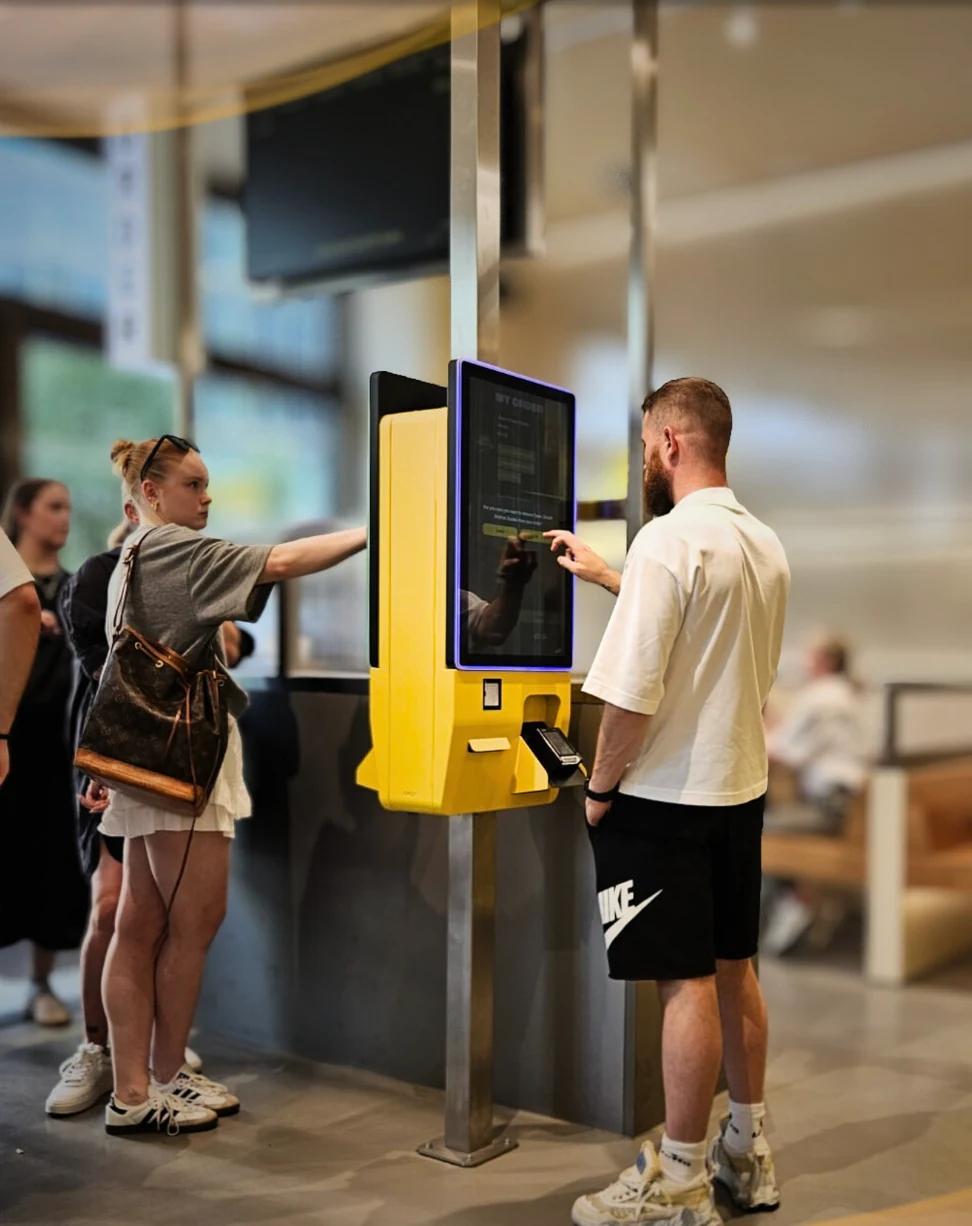
What a self-service restaurant looks like today, which formats exist and how Order & Pay via QR code, self-ordering kiosks and table tablets work in practice.
What is a self-service restaurant?
A self-service restaurant is a venue where guests place their own order – and often pay for it themselves – instead of waiting for a member of staff. Traditionally that meant grabbing a tray, queuing at the counter and paying at the till, as in canteens and motorway services.
Today, self-service mostly means digital self-ordering. Guests order on their own smartphone, at a self-ordering kiosk or on a tablet at the table. The order goes straight into the POS system and from there to the kitchen and bar. Payment happens digitally, either when ordering or at the end of the visit.
Self-service does not have to mean "no staff". In many venues food is still brought to the table and the team is there to help. What changes is the part of the process that takes the most time and adds the least hospitality: bringing menus, taking orders, keying them in, fetching the bill and taking payment.
Four formats of digital self-service
Most venues combine two or more of these formats, depending on layout, guests and peak times.
1. Order & Pay at the table via QR code
Guests scan the QR code on their table, browse the digital menu, order and pay – without downloading an app. The table number is built into the code, so the team knows exactly where each order belongs. See QR ordering for hospitality.
2. Self-ordering kiosk
A large touchscreen near the entrance or counter where guests build their order and pay by card or phone. Typical for quick service, takeaways and food courts. See self-ordering kiosks.
3. Tablet at the table
A dedicated tablet per table for reordering throughout the visit – popular in restaurants with several ordering rounds, such as all-you-can-eat, sushi or tapas. See tablet ordering.
4. Online pre-ordering
Guests order in advance through the venue's own website for pickup or delivery. This relieves the counter and phone at busy times. See the online ordering webshop.
Order & Pay: how it works step by step
Order & Pay means ordering and paying happen in one digital flow.
Step 1 – Scan: the guest sits down and scans the QR code. The menu opens in the browser, in another language if the menu is maintained in several languages.
Step 2 – Order: the guest chooses food and drinks, adds options such as sides or allergy notes, and sees relevant suggestions, like a drink with the main course.
Step 3 – Pay: depending on the settings, the guest pays straight away by card or wallet, or at the end of the visit. Depending on the setup, guests can also split the bill per person.
Step 4 – POS and kitchen: the order flows directly into your POS system and on to the kitchen and bar as usual. Nobody has to re-key anything, and the team can focus on serving.
Which venues benefit from self-service?
Quick service: many guests, short visits, a clear menu – kiosks let several guests order at once.
Cafés and bakeries with seating: QR ordering at the table moves part of the queue away from the counter.
Beer gardens and terraces: long walking distances and lots of drink rounds – guests order the next round from their seat.
Hotels: orders at the bar, terrace, pool or in the room use the same digital flow.
Events and leisure venues: short, intense peaks where ordering and paying are separated from collection.
All-you-can-eat restaurants: multiple rounds per table, time limits and quantities per round, managed automatically. See the all-you-can-eat ordering system.
Usually your POS stays: connecting self-service to your till
A self-ordering system does not replace your POS – it adds to it. Digital orders are an extra input channel. With a supported integration, items, prices, taxes and reports stay in your existing POS system, and digital and regular orders appear together in the end-of-day report. Which features are available depends on the POS system, the ordering channels and the setup.
Jamezz is not a POS system; it connects with existing POS systems. Integration partners include Lightspeed, unTill, Vectron, Gastrofix, Hypersoft and Oracle MICROS. Choosing a till in the first place? Read our guide to POS systems for hospitality.
For kiosks, the hardware comes from Jamezz itself or from a hardware partner, depending on the project. The software, menu and POS connection stay the same.
Staff and service: what changes for the team
Self-service changes the team's tasks, not the team's value. With less time spent taking orders, keying them in and taking payment, staff have more time for welcoming, advising and serving guests. Walking distances shrink, peaks become calmer and new or seasonal staff get up to speed faster. Guests should always keep the choice to order from a person. Read more about staff shortages in hospitality, or follow the practical steps in our QR ordering implementation guide.
Frequently asked questions
What is a self-service restaurant?
A restaurant where guests order and usually pay themselves – today mostly digitally via QR code, kiosk or tablet.
What does Order & Pay mean?
Guests order and pay in one digital flow, usually on their own smartphone via a QR code at the table. The order goes straight to the POS and kitchen.
Do guests need an app?
No. The menu opens in the smartphone's browser after scanning the QR code.
Do I need to replace my POS system?
Often not. If your POS system is supported, a self-ordering system like Jamezz connects with it. We check in advance whether, and with which features, that works for your POS.
Does self-service replace service staff?
No. It takes over order taking and payment; the team stays responsible for welcoming, advising and serving.
Who uses Jamezz?
Jamezz is a self-ordering solutions specialist for hospitality, used at more than 2,000 hospitality locations.
Want to see how an order flows from guest to POS? Request a free demo.
Share this article