With a tablet at the table, guests browse the menu and order themselves throughout their visit; the order goes straight to the kitchen and bar. That suits a long sitting with frequent re-ordering. For a terrace or a quick turnover, a QR code on the guest's own phone is often the handier option. This article puts the two side by side.
How does tablet ordering at the table work?
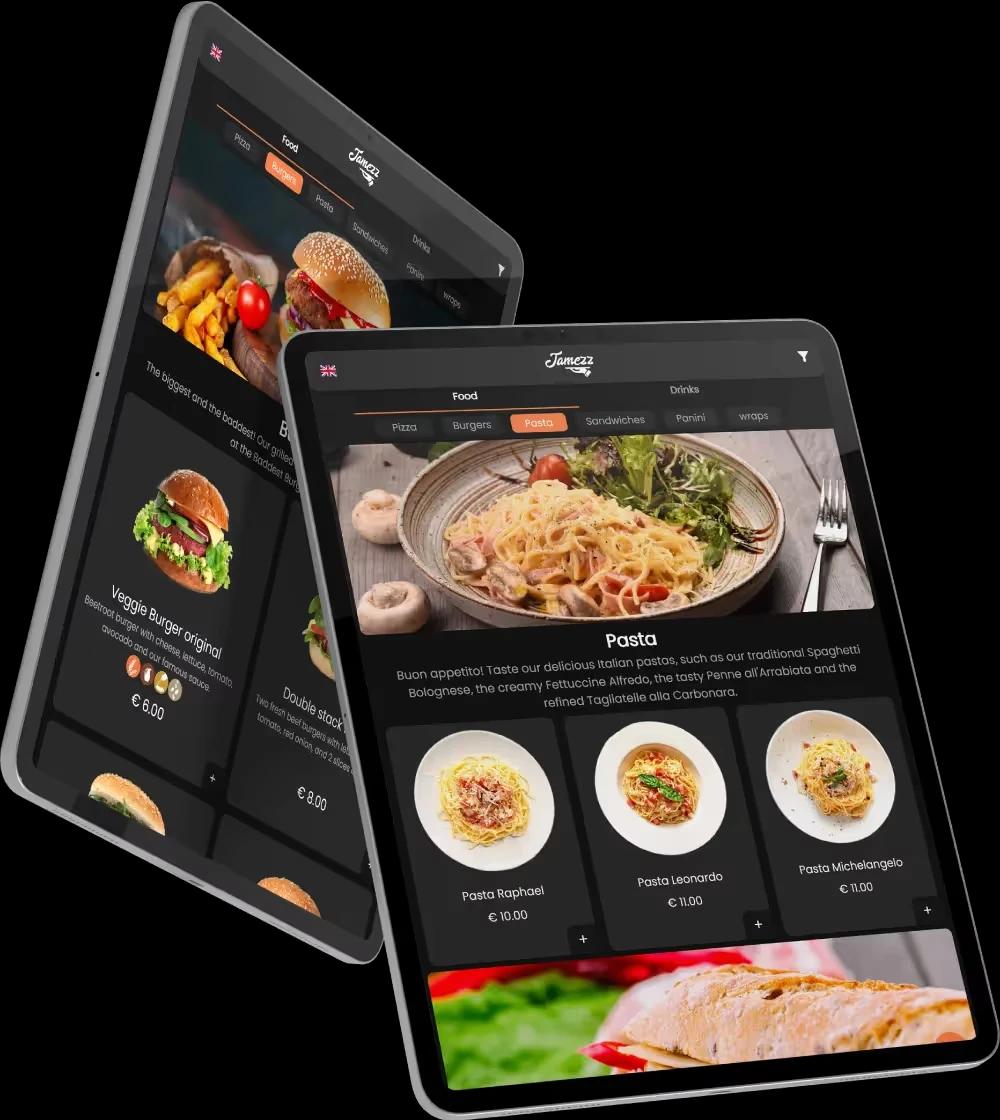
Every table has a tablet with the menu. Guests browse, look at photos and place their own orders, as often as they like. The order goes to the kitchen and the bar.
The tablets are for guests: the team does not take orders on them. Staff bring the food and drinks, give advice and keep an eye on the table. The product page on the tablet ordering system for restaurants describes all the functions; this article helps you choose.
Tablet or QR code: which fits your venue?
The difference is the screen. A tablet is a fixed screen owned by the venue, ready on the table: a large display, visible to everyone at the table. With QR code ordering the guest uses their own phone: no hardware on the table, and usable anywhere a QR code fits.
• A tablet suits a long sitting with many ordering moments, groups choosing together and concepts where the screen is part of the experience.
• QR suits a terrace, a quick turnover, loose seating and places where you would rather not leave a device.
It does not have to be a choice: both run on the same platform, so tablets inside and QR on the terrace is possible too. If your question is broader, see which ordering system fits.
Where tablets work well: all you can eat, à la carte courses, hotel rooms
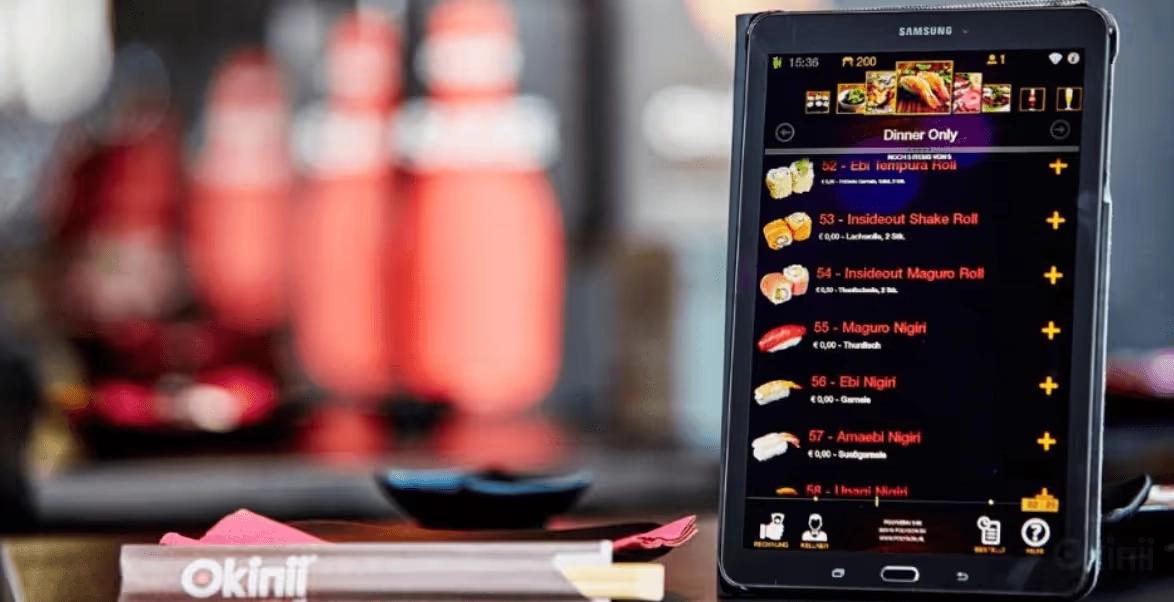
All you can eat. This is where the tablet is most established: guests order in rounds and the system keeps track of the rounds, the time between rounds and the length of stay. More on the page about the all-you-can-eat ordering system.
À la carte. A tablet also works without rounds. Starters, mains and desserts can be sent to the kitchen one after the other, so the pace of the meal is right.
Hotel room and lounge. A tablet can also be placed in the hotel room or the lounge, so guests order there. See ordering for hotels.
Paying when guests order on a tablet
With tablet ordering, guests usually pay at the POS, as they are used to. Linking the tablet to a card terminal is also possible. Guests can also pay the table bill on the tablet without placing a new order, if you as the operator set that up.
Hardware: tablets from Jamezz or your own recent iPads
Jamezz supplies the tablets, itself or through a partner, and renting is possible too. If you already have devices, tablet ordering also works on your own recent tablets or iPads; an outdated or slow device is not suitable.
The subscription for tablet ordering is per location, regardless of the number of tablets. You also need a stable internet connection and somewhere to charge the tablets.
POS, kitchen and the next step
With a supported POS, Jamezz retrieves the menu from the POS and places the orders there. Without a POS, Jamezz works on its own with a kitchen screen or kitchen printer. Product photos and suggestions during ordering work on the tablet too.
Want to see what it looks like on your tables? Read more about tablet ordering or request a demo.
Frequently asked questions
Do staff take orders on the tablet?
The tablets are meant for guests, who order on them themselves. The team serves, advises and stays in touch with the table.
Can guests pay on the tablet?
Guests usually pay at the POS. Linking the tablet to a card terminal is also possible, and paying the table bill on the tablet is possible if you set it up.
Can I use my own iPads for tablet ordering?
Yes, it also works on your own recent tablets or iPads. An outdated or slow device is not suitable.
Does tablet ordering only work for all-you-can-eat restaurants?
No. It also works à la carte, and a tablet can also be placed in the hotel room or the lounge.
Can starters, mains and desserts be sent to the kitchen one after the other?
Yes. With à la carte dining too, starters, mains and desserts can be sent to the kitchen one after the other.
What do I need to start with tablets at the table?
Tablets (from Jamezz, rented, or your own recent tablets or iPads), a stable internet connection and a supported POS, or Jamezz on its own with a kitchen screen or kitchen printer.
Share this article