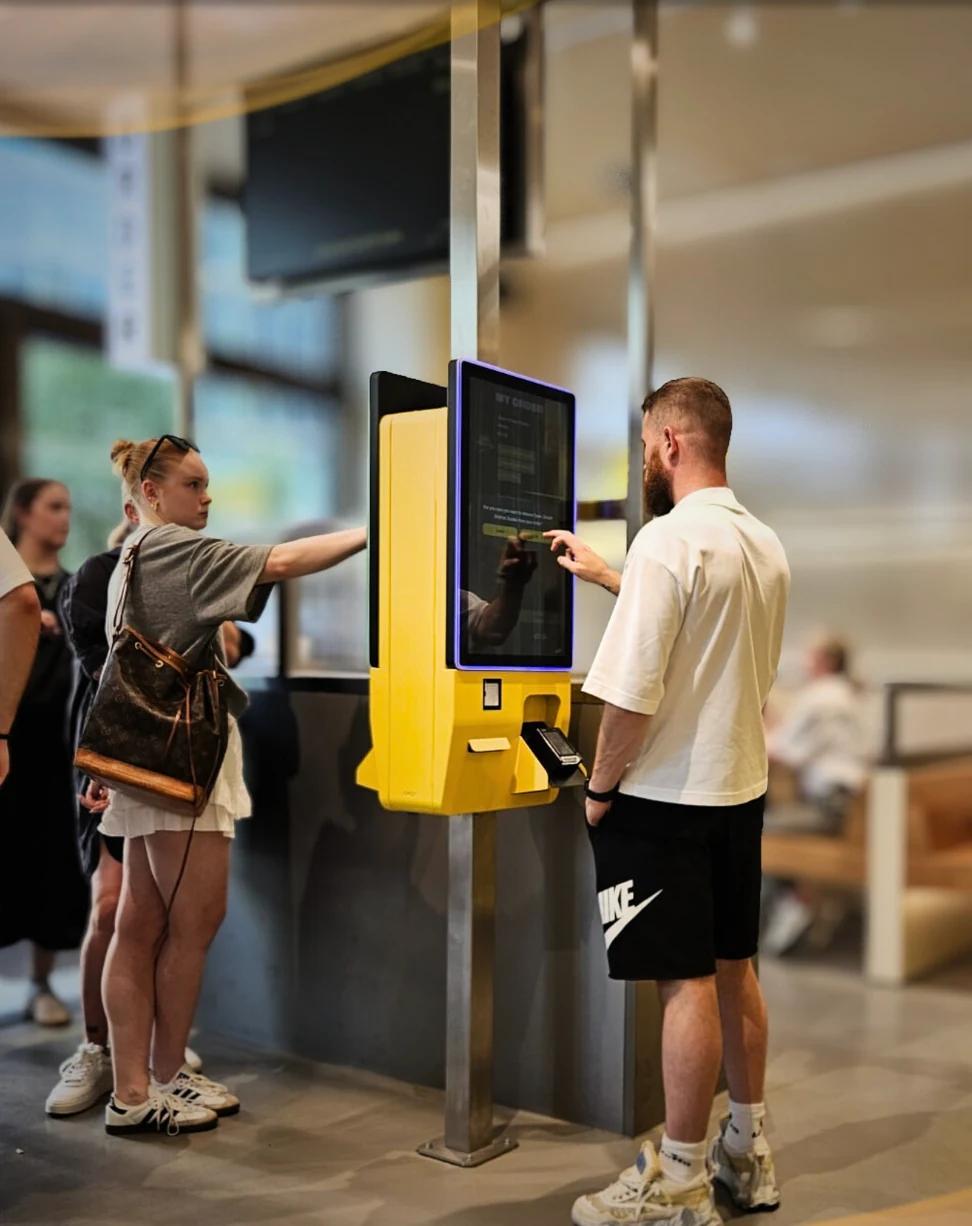
In a company canteen, staff and business customers can order themselves, ahead or on the spot, by QR code, at a kiosk or in a webshop. Business customers can order on account: they do not pay straight away but receive an invoice. This article explains how pre-ordering, time slots and ordering on account work.
How does ordering on account work in a canteen?
A canteen or company restaurant handles two kinds of orders. Employees order their own lunch and usually pay for it straight away. Business customers, such as a department ordering a meeting lunch, do not want to pay per sandwich: they order on account and receive an invoice.
With a digital ordering system, both are possible in the same environment. The order arrives in the kitchen with the time it has to be ready. For buying information about the system itself, see the page on the canteen ordering system; this article is about how it works day to day.
Pre-ordering lunch with time slots and an order deadline
The lunch rush is short and predictable. Pre-ordering can move part of that rush forward:
• Ordering ahead. Employees order in advance, in the online ordering webshop up to a number of days ahead.
• Order deadline. You set the time until which orders can be placed, so the kitchen knows where it stands.
• Time slots. Guests choose a pick-up time when they order. For pre-orders in the webshop you set a maximum number of orders per time slot, so not everyone is at the counter at half past twelve.
The kitchen then knows in advance what has to be ready and when.
Ordering on account for meetings and business customers
Ordering on account is meant for business customers: the meeting lunch, a department's drinks, a catering order for an event. The person ordering chooses "on account" instead of paying directly; you then invoice the order yourself.
As the venue, you decide which details you ask for with an order, for example a name and a note. That way the order carries what you need later to match it to the right customer.
QR, kiosk and webshop in a company restaurant
Which channel you use depends on the place:
• QR code on the table, in the department or in a meeting room: guests order on their own phone, without an app.
• Kiosk at the counter: guests order and pay themselves. At the self-ordering kiosk, self-scan can be combined with ordering: scan something from the shelf and order a freshly made sandwich with it. As an option, staff can get a discount by scanning a staff card, when this has been set up.
• Webshop for ordering ahead and collecting.
The channels run on one platform, with one menu. The same set-up also suits a university or a hospital.
Paying: card, wallet or on account
Guests who pay straight away do so through the payment provider: by debit or credit card, contactless, or with Apple Pay or Google Pay. Which other payment methods are available depends on what the payment provider offers and what you have activated there. Business customers order on account.
Do you work with meal credit or a cashless system? That depends on the POS and is something we look at together.
POS, reports and the next step
With a supported POS, orders from all channels arrive in the POS. The POS integration is included in the Jamezz subscription; the POS supplier may charge fees on its side.
The reports show, among other things, revenue per ordering channel and a comparison between locations. That is useful when you manage several canteens or sites.
Read more about the canteen ordering system or request a demo.
Frequently asked questions
Can staff order lunch ahead in a company canteen?
Yes. Guests can order ahead and choose a pick-up time. You set the order deadline yourself.
Can business customers order on account and receive an invoice?
Yes. Business customers can order on account; they do not pay straight away and you invoice the order yourself afterwards.
How do time slots work for canteen orders?
Guests choose a time slot for pick-up when they order. For pre-orders in the webshop you set a maximum number of orders per time slot.
Can employees get a staff discount at the kiosk?
Yes, as an option: staff can get a discount by scanning a staff card at the kiosk, when this has been set up.
Does canteen ordering work with our POS?
Jamezz integrates with supported POS systems, and every integration works with all ordering channels. The POS integration is included in the subscription; the POS supplier may charge fees on its side.
Can we compare several canteen locations in the reports?
Yes. The reports include a comparison between locations and revenue per ordering channel.
Share this article